
There are slow capture apps.
And there’s Lightcap.
Screenshots, scrolling capture, screen recording, a video editor, text capture, translation and auto-redaction. One small menu bar app for Mac.
Free to try · macOS 15 or later
- 3.3 MBto download
- 22 MBof memory while idle
- 0%CPU while idle
- 0.03 sto capture an area*
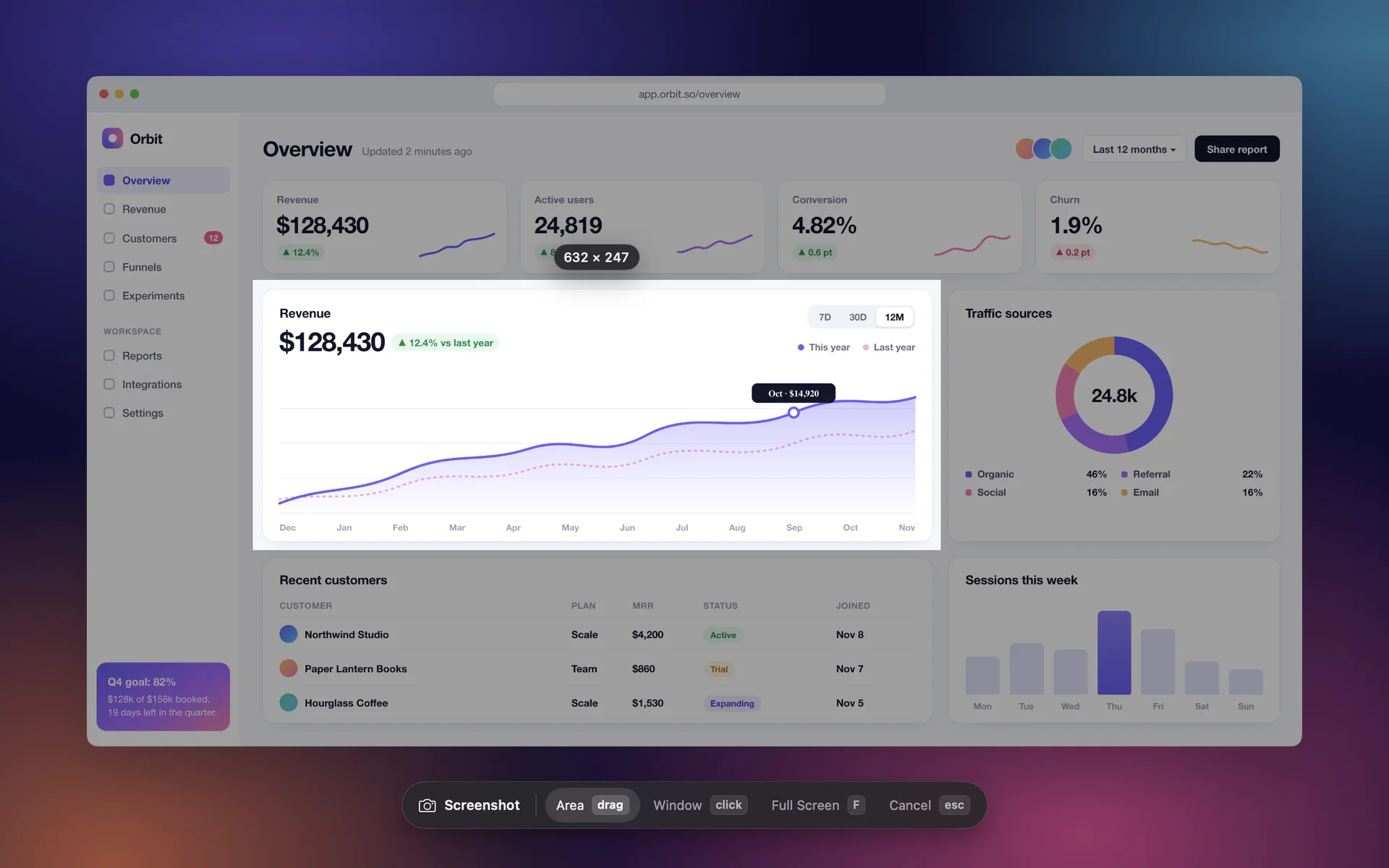
Captured, copied, ready to paste
The shot is on your clipboard the moment you take it. Everything after that is optional.
-
Area, window or full screen
Drag an area, click a window or grab the whole screen. Window shadows come along.
-
Scrolling capture
Scroll down and Lightcap joins the page into one tall image.
-
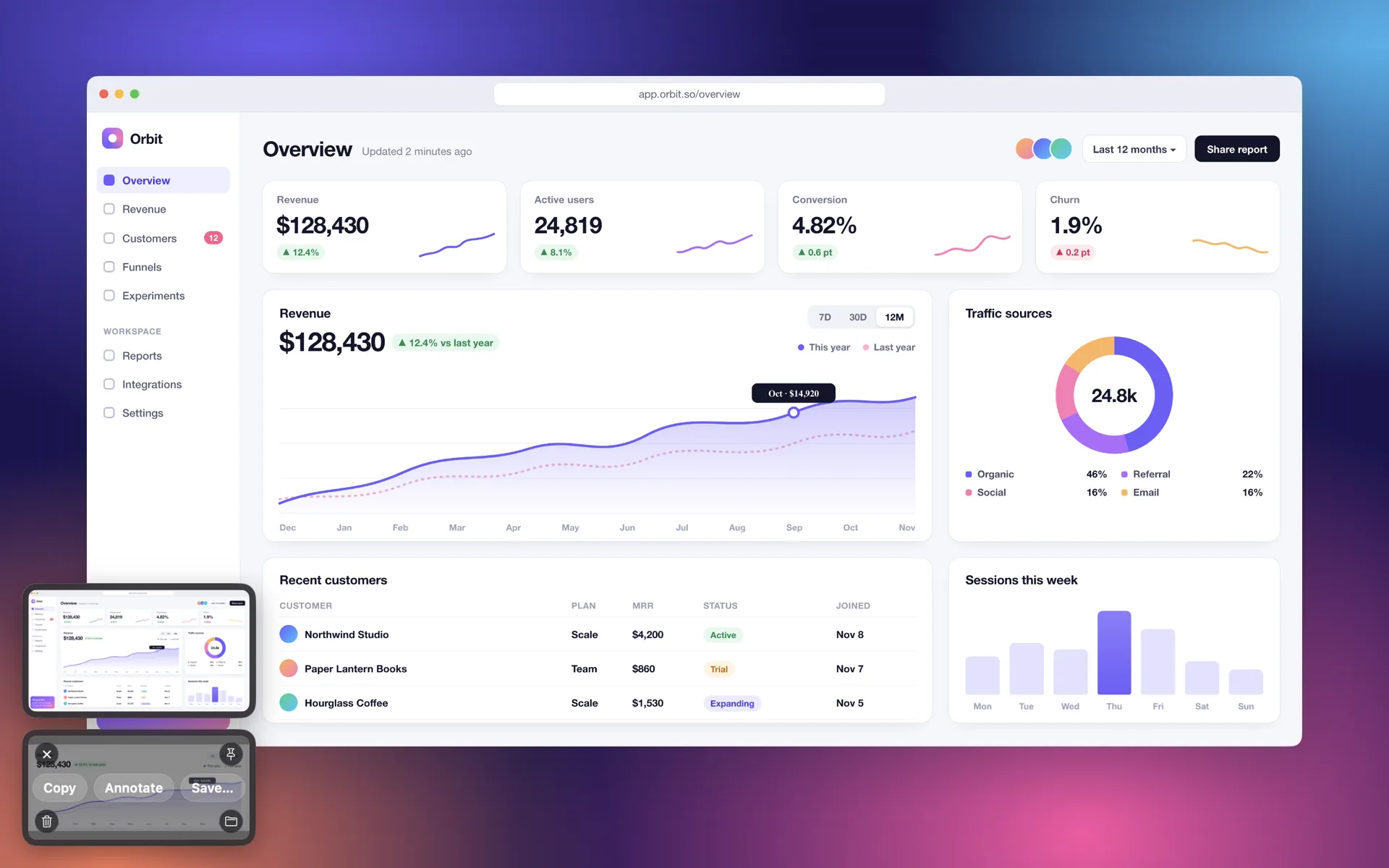
A card that waits
Drag it into any app, copy it again, or open it to edit.
-
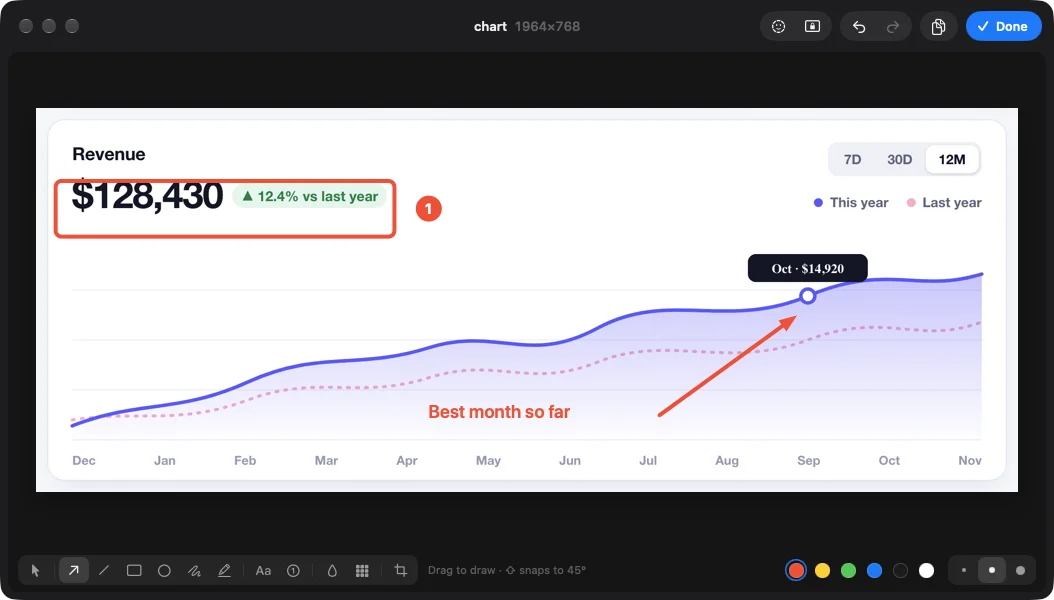
Annotate
Arrows, boxes, text, numbers and mosaic, right where you took the shot.
-
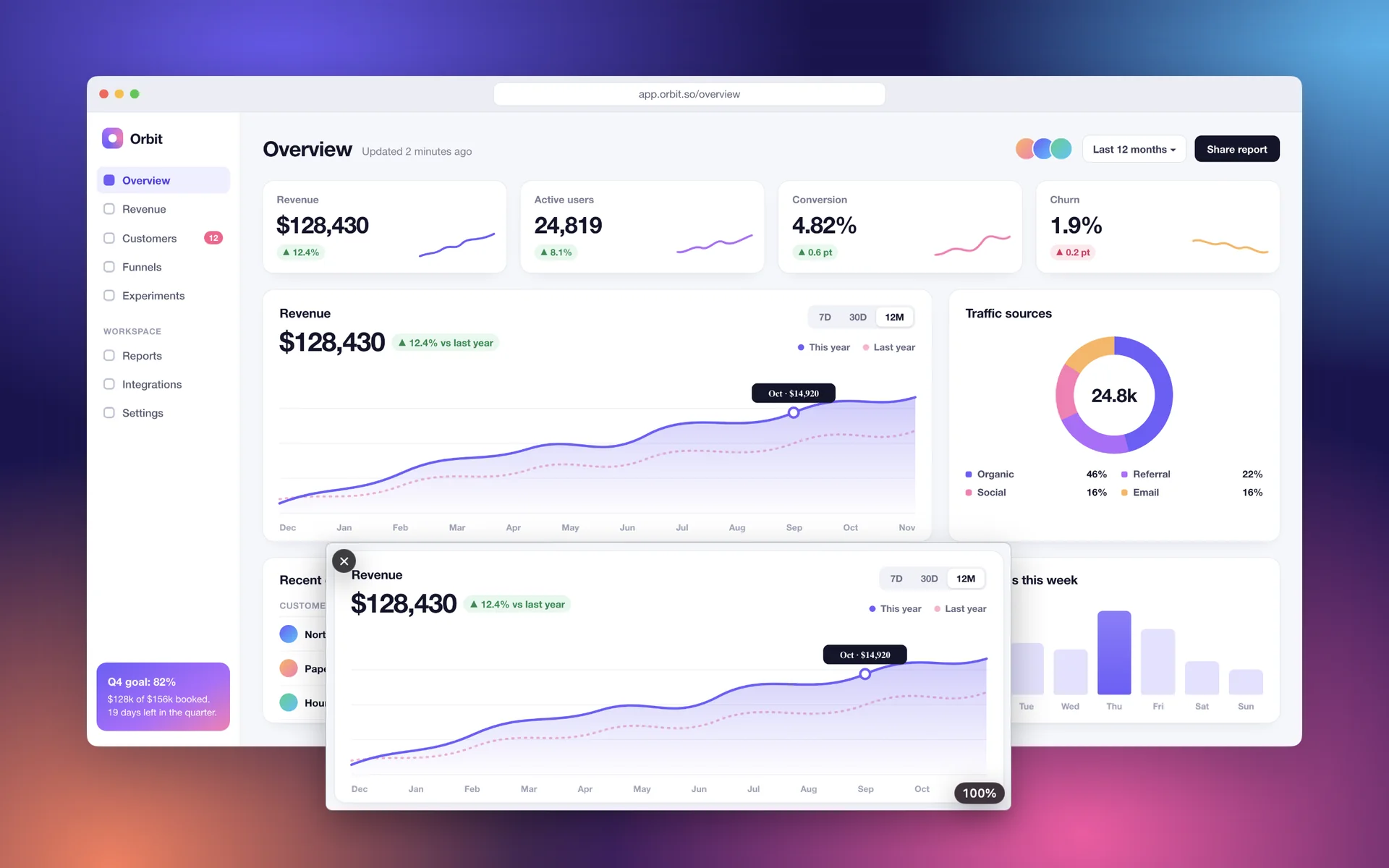
Pin to screen
Keep a shot floating above your other windows while you work.
-
One bar for everything
One shortcut opens the bar. Pick with a number key, or use a direct shortcut for each.
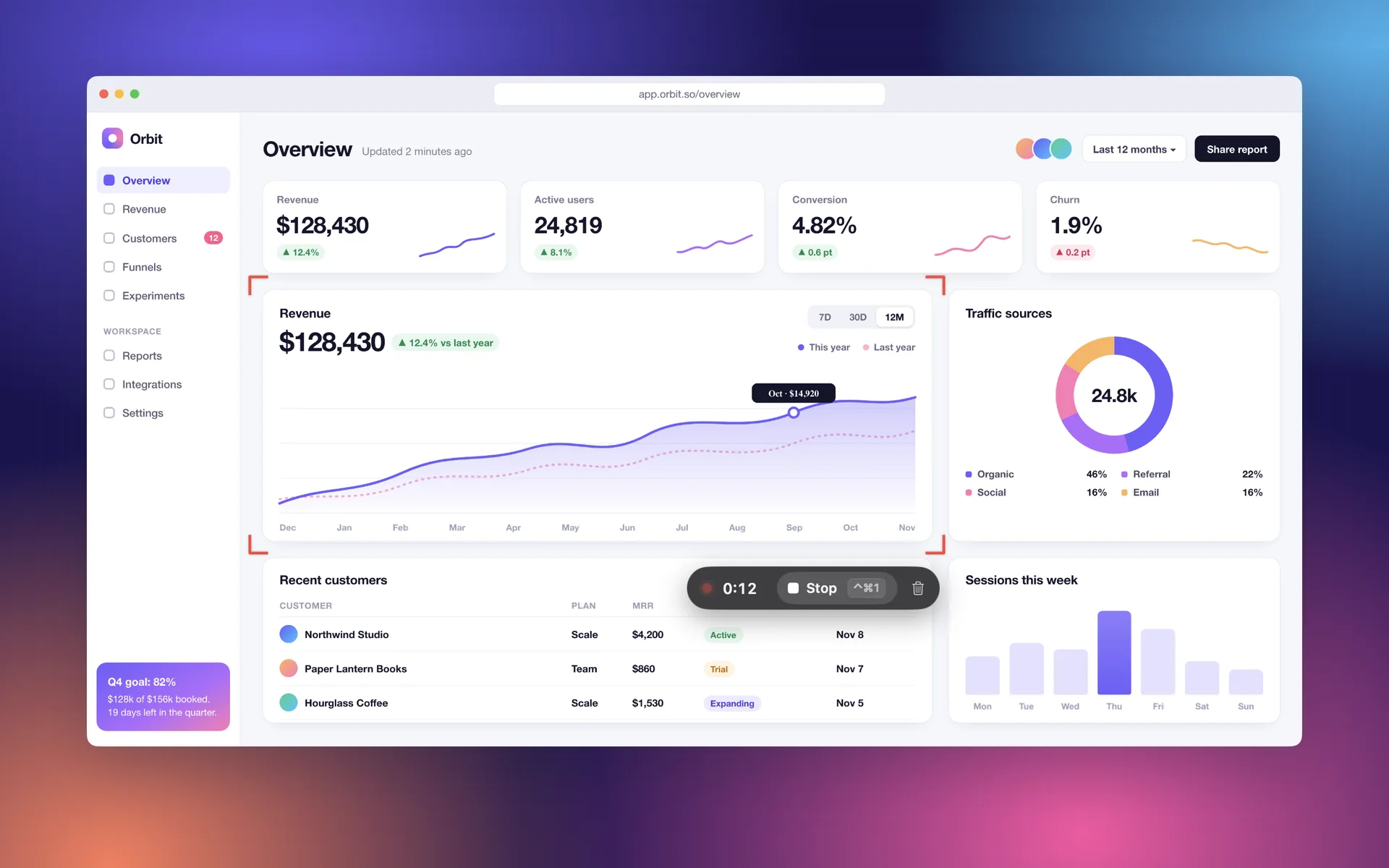
Stop recording, get the file
A quick recording is a finished video the moment you press stop. Edit it only when it needs it.
-
No rendering step
Area, window or full screen, at 60 fps with microphone audio. Written straight to an MP4 while you record.
-
Studio mode
Keeps the cursor and every click as data, so you can restyle them after.
-
MP4 or GIF
Export a video, or a GIF small enough to drop into a chat.
-
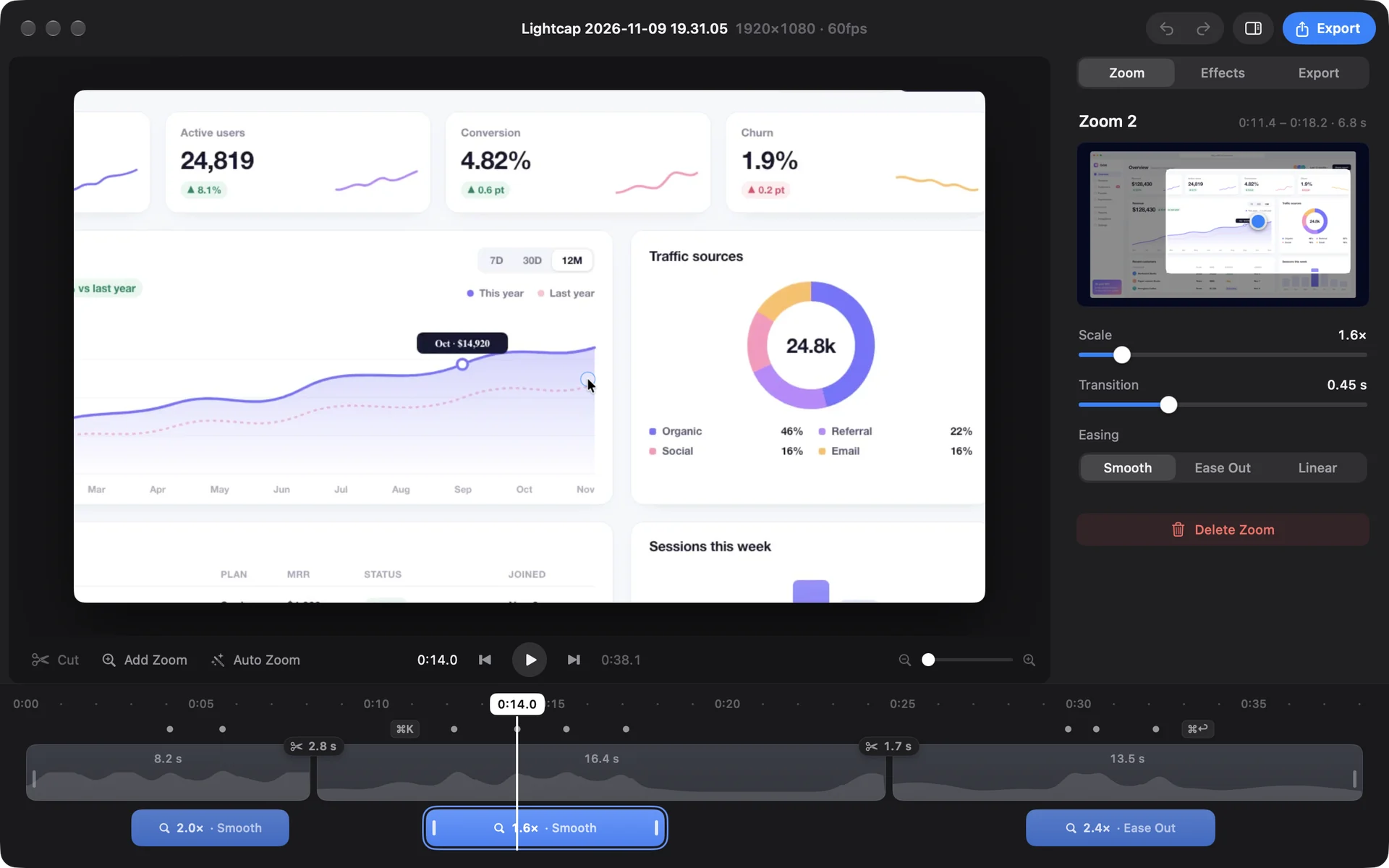
Trim, zoom, export
Cut the slow parts and zoom in where people should look, without leaving the app. The original stays as it was.
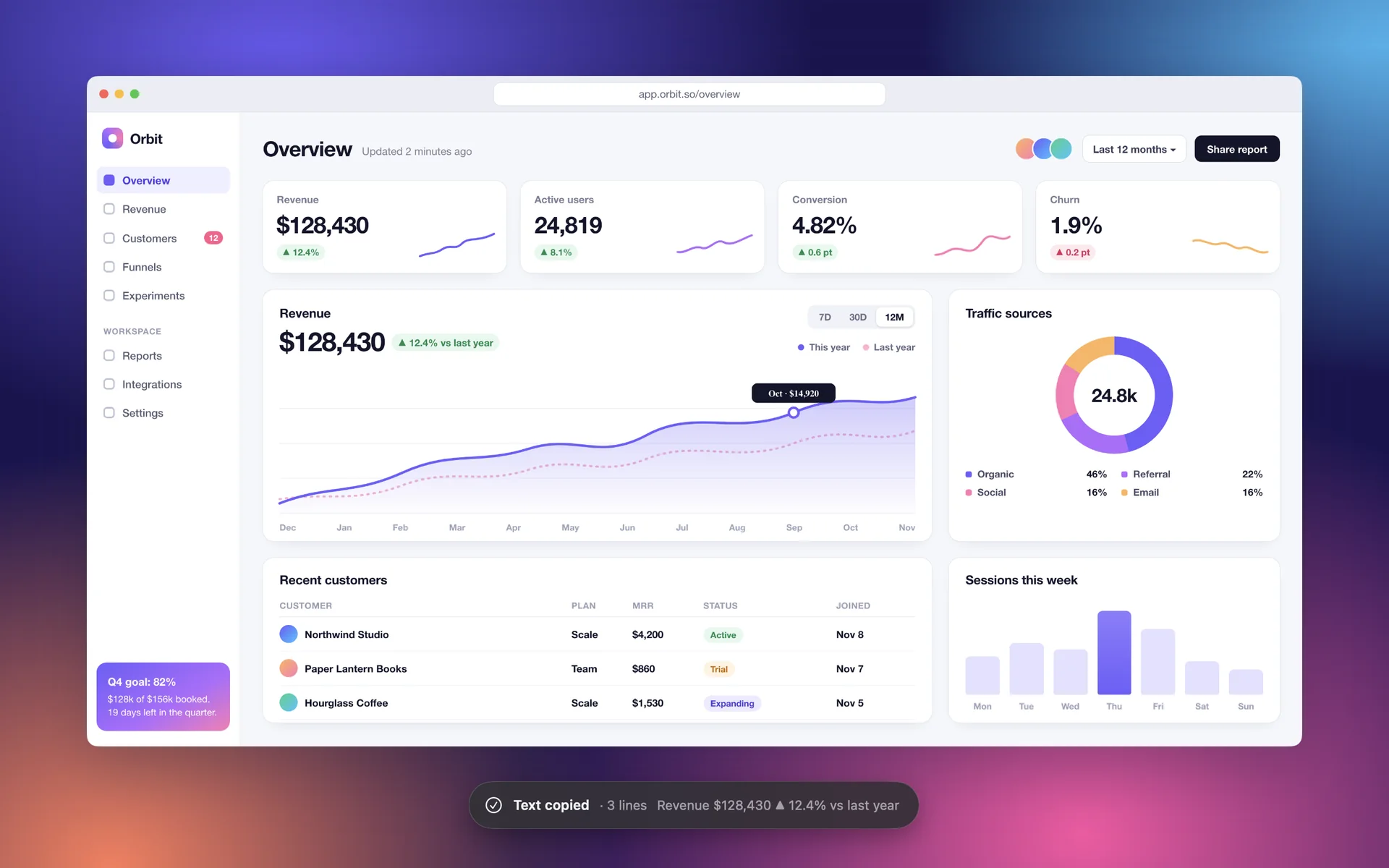
If you can see it, you can copy it
Text in an image, subtitles in a video, a page that won’t let you select. Drag over it.
-
Copy text off the screen
Recognized on your Mac, in Korean, English, Japanese, Chinese and more.
-
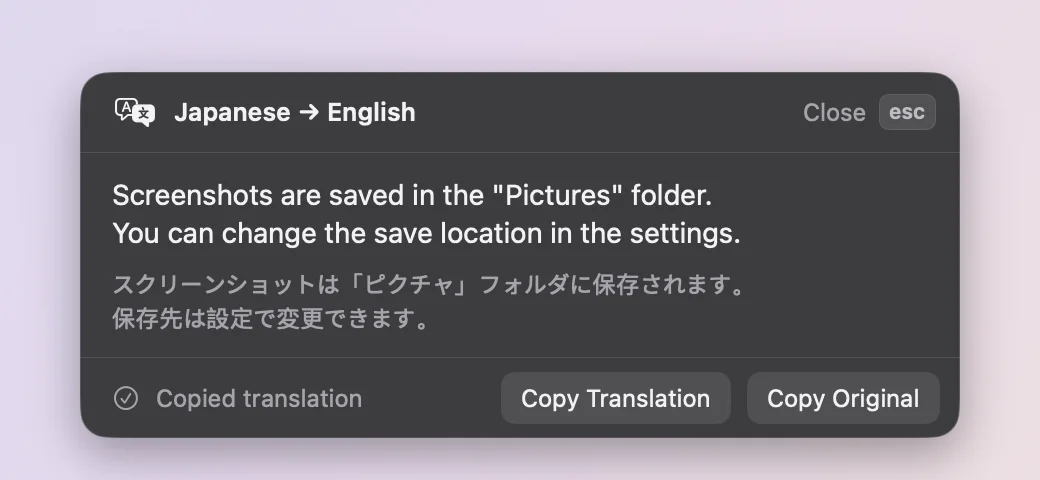
Translate what you see New
Drag over text in another language and read it in yours. Paragraphs stay paragraphs, and the translation is copied for you.
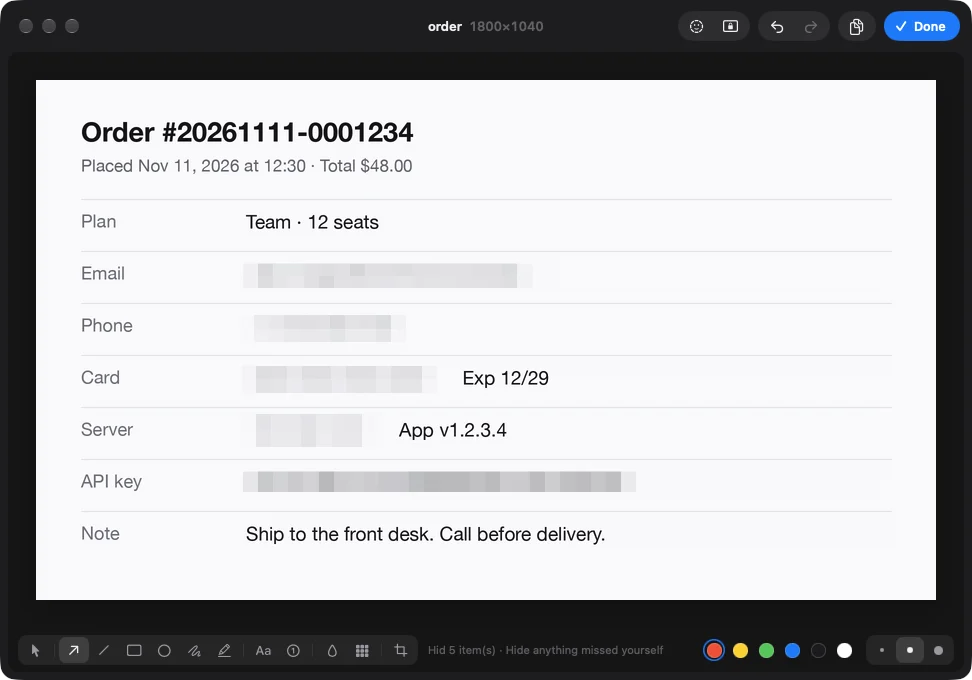
Hide it before you share it
One click finds private details in a screenshot and covers each with a mosaic you can still move or remove.
- Emails
- Phone numbers
- Card numbers
- IP addresses
- API keys and passwords
It finds things with a recognizable shape. Names and addresses are yours to cover, and it says so each time.
And the small things
- Your shortcutsSeven actions, each with a shortcut you can change.
- Nothing is uploadedNo account, no analytics. Text is read and translated on your Mac.
- Works offlineIt goes online only to check your license.
- Originals stay untouchedCuts and zooms are saved next to the recording, not into it.
- Cuts without re-encodingIf you only trimmed, the export is joined, not rendered again.
- 15 languages for textPick the one to read in Settings.
- Line breaks your wayCopy text as it is laid out, or as one flowing line.
- Zoom a pinned shotScroll or pinch. Double-click for 100%.
- Open at loginOne switch. It waits in the menu bar.
- App in 9 languagesEnglish, Korean, Japanese, Chinese (Simplified and Traditional), German, French, Spanish, Portuguese.
- Choose where shots goAny folder. PNG, and on the clipboard too.
- Buy it onceNo subscription. Every future update is included.
* Measured by us in November 2026 with the Lightcap 0.1 release build on a MacBook Pro (M3 Max) running macOS 27.2. Download size is the DMG. 0.03 s is the time to grab an 800×500 area after it is selected; it leaves out saving the file and the first capture after launch. Your numbers will vary.
Pay once. Updates forever.
No subscription and no paid upgrades. Every future version is included. Try it free first.
-
1 Mac
$10
$15One-time payment · Launch price through Dec 31
- Every feature
- Use on 1 Mac
- All future updates
- Move it to another Mac anytime
-
3 Macs
Save $5$25
$35One-time payment · Launch price through Dec 31
- Every feature
- Use on up to 3 Macs
- All future updates
- Move it to another Mac anytime
Your license key arrives by email. Paste it into Settings > License in the app.
Launch price through December 31, 2026. After that the price is $15 for 1 Mac and $35 for 3 Macs.
Prices are in US dollars. Tax may be added at checkout depending on where you live.
Payments are handled by Polar. Full refund within 7 days of purchase; see the refund policy and terms.
Questions
What is Lightcap?
Lightcap is a screen capture app that lives in the Mac menu bar. It takes screenshots, records your screen and copies text from the screen, all from keyboard shortcuts. Recordings can be trimmed, zoomed and exported inside the app. It runs on macOS 15 or later.
What happens when the trial ends?
You get every feature for 7 days from the first launch, with no account and no card. After that you need a license to take new screenshots or recordings. Everything you already captured can still be opened, edited and exported.
Is it a subscription?
No. You buy it once and keep it. A license for 1 Mac is $15 and a license for 3 Macs is $35 ($10 and $25 at the launch price, through December 31, 2026). Every future update is included, and there are no paid upgrades.
Can I move my license to a new Mac?
Yes. Open Settings > License on the old Mac, choose “Deactivate on this Mac”, then enter the same key on the new one. If you can’t reach the old Mac, deactivate it from the order page linked in your purchase email, or contact support.
Does it work offline?
Capturing, recording, editing and text copy all work without a connection. Lightcap only goes online to activate your license and to re-check it now and then. If it can’t connect, it keeps working for up to 30 days.
Are my captures uploaded anywhere?
No. Screenshots and recordings are saved to a folder on your Mac, and text recognition runs on your Mac too. There is no account and no analytics. The only thing the app sends over the network is the license check.
Why does it ask for Screen Recording permission?
macOS requires “Screen & System Audio Recording” permission for any app that captures the screen. You allow it once, the first time you capture. Studio recordings can also log clicks and shortcuts if you turn on “Input Monitoring”. That one is optional.
Can I get a refund?
Yes, in full, if you ask within 7 days of purchase. Details are in the refund policy.